
MEGABITS VS MEGABYTES
THE SPEED CONFUSION EXPLAINED
THE SPEED LIMIT ILLUSION
You have just upgraded to a 100 Mbps fibre connection. You open a game launcher or start a large movie download but the speed bar only says 12.5 MB/s. You might panic and think you are being ripped off but you are not. You have simply encountered the most common confusion in the broadband world. It is the battle of the bit versus the byte.
THE CORE DIFFERENCE
The confusion stems from two very similar acronyms. We have Mb and we have MB. The capitalisation here is not a mistake; it changes the meaning of the unit entirely.
Mb (Megabit): This is used to measure transmission speeds. It is what your ISP advertises on the billboard. It is a lowercase 'b'.
MB (Megabyte): This is used to measure file storage sizes. It is what your computer uses to tell you how big a photo or game is. It is an uppercase 'B'.
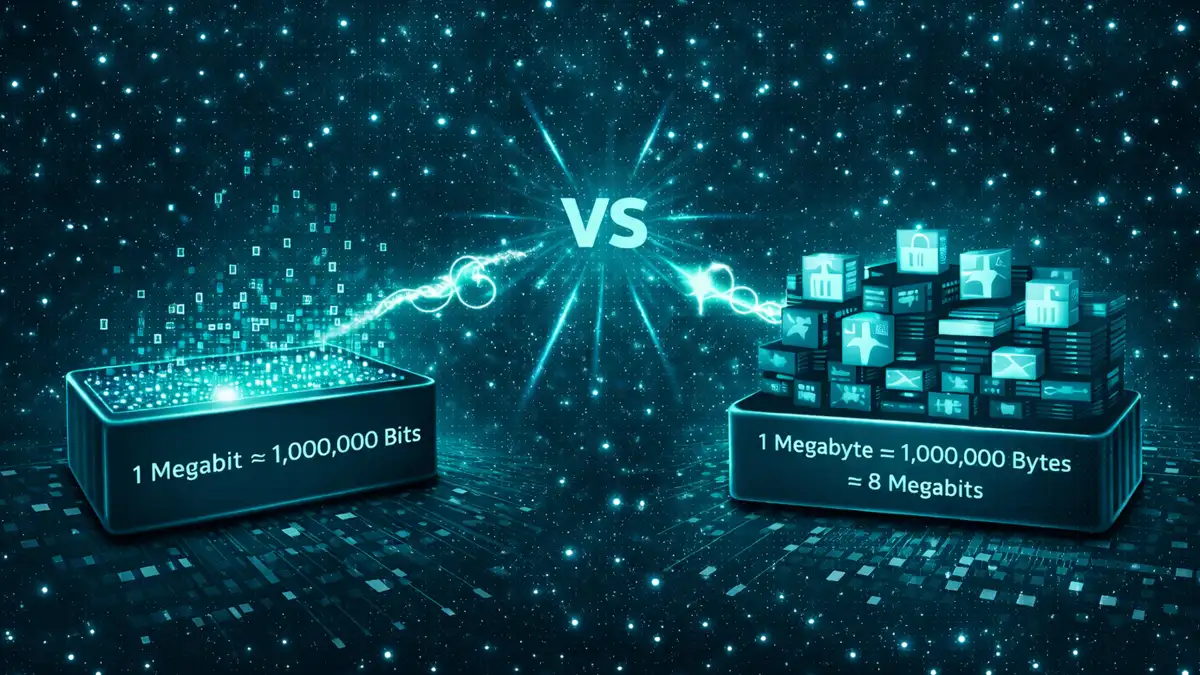
THE MAGIC NUMBER IS 8
The relationship between these two units is fixed. There are 8 bits in 1 byte. Imagine a byte is a box and bits are the items inside it. You need eight bits to fill the box.
Therefore if you want to convert your internet speed (Megabits) into your download speed (Megabytes) you must divide by 8. If you have a file size (Megabytes) and want to know how many bits you need to transfer you multiply by 8.
WHY DO ISPS USE BITS?
You might wonder why broadband providers do not just use Megabytes to make things clearer. The cynical answer is marketing. 100 Mbps looks much faster and more impressive on a poster than 12.5 MB/s. It is a bigger number.
The technical answer is that data transmission across a network has always been measured in bits because it refers to the flow of individual electrical or optical signals. Storage is measured in bytes because it refers to addressable chunks of memory. Both industries are stuck in their own legacy standards.
MARKETING SPEED VS REAL SPEED
We have calculated the real download potential of common UK broadband packages. Click the speed tier below to see what it actually means for your downloads.
| ADVERTISED | REAL SPEED | UNIT | USE CASE |
|---|---|---|---|
| 36 Mbps | 4.5 | MB/s | BROWSING |
| 67 Mbps | 8.3 | MB/s | HD STREAMING |
| 100 Mbps | 12.5 | MB/s | 4K VIDEO |
| 900 Mbps | 112.5 | MB/s | HEAVY GAMING |
REAL WORLD DOWNLOAD TIMES
Knowing the maths helps you manage expectations. Let us look at how long a popular video game like Call of Duty (approx. 100GB) takes to download on different connections.
If you have a basic 36 Mbps connection it will take roughly 6 hours and 30 minutes. If you upgrade to a 100 Mbps line that time drops to just over 2 hours. If you splurge on a 900 Mbps Gigabit line you could have the game installed in about 15 minutes.
HARDWARE LIMITS
Sometimes you have the fastest internet in the world but your downloads are still slow. This is often because the hardware writing the data (your hard drive) cannot keep up with the speed of the data coming in.
An older spinning Hard Disk Drive (HDD) might struggle to write data faster than 100 MB/s. If you have Gigabit internet you need a fast Solid State Drive (SSD) inside your PC or console to actually utilise that speed. Otherwise the drive becomes the bottleneck.
HOW TO TEST YOUR ACTUAL SPEED
If you want to verify what speeds you are genuinely receiving, running a speed test is the best approach. However, remember that most speed testing tools measure in Megabits per second (Mbps) by default. To calculate your real-world download speed in Megabytes (MB/s), simply take the test result and divide it by eight.
To fully optimise your connection and get the most accurate reading, ensure you are connected to your router via an Ethernet cable rather than Wi-Fi, and pause any background downloads or streaming services before you begin testing.
FREQUENTLY ASKED QUESTIONS
IS 50 MBPS GOOD?
It depends on your household. 50 Mbps is about 6.2 MB/s. This is plenty for streaming HD TV and browsing on a couple of devices. However if you try to download a huge video game it will take a while.
WHY IS MY SPEED TEST DIFFERENT?
Speed test sites like Ookla almost always default to Mbps (Megabits) to match what your ISP sold you. Your Steam or PlayStation download screen defaults to MB/s (Megabytes). They are measuring the same thing using different rulers.
WHAT IS A GIGABIT?
A Gigabit is 1000 Megabits. In terms of download speed this translates to roughly 125 MB/s. It is incredibly fast and allows you to download a standard HD movie in under 30 seconds.
HOW MANY MEGABYTES IN A GIGABYTE?
There are 1024 Megabytes (MB) in one Gigabyte (GB). So if your mobile data plan gives you 10GB that is roughly 10,240 MB.

SUMMARY: DIVIDE BY EIGHT
Don't get frustrated when your download speed looks lower than your package speed. It is usually just the difference between bits and bytes. Simply take the speed your provider sold you and divide it by eight. That is your real maximum download speed.